
Description
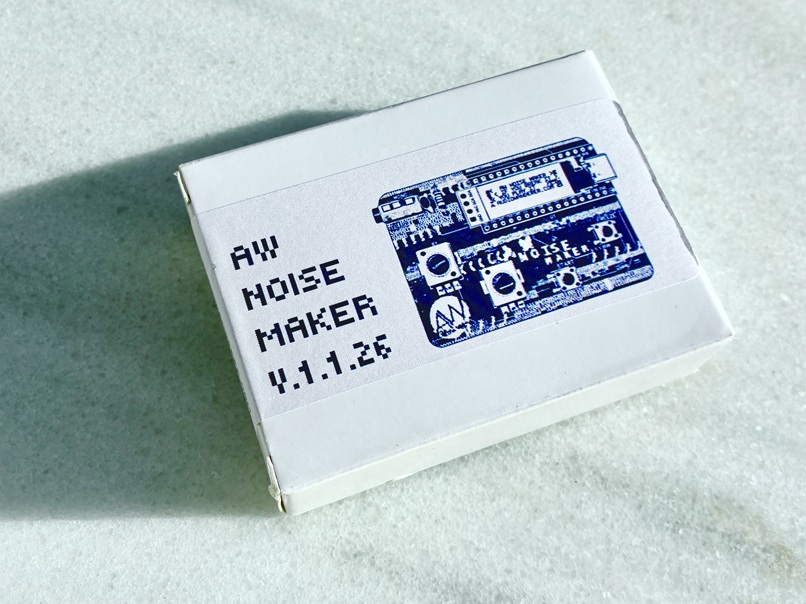
The AW NOISE MAKER unit looks broken, sounds broken and, depending on how the machine boots up, the controls can vary capriciously because the machine has its own agency and doesn’t want to give you any explanation. Deal with it! Be the noise! (GameBoy edition included and downloadable right after the purchase for registered users)
Instruction of use:
WARNING! WARNING!
AW NOISE MAKER is an extremely noisy device; never ever connect it directly to a PA system. Always plug the machine into a mixer and control the volume there.
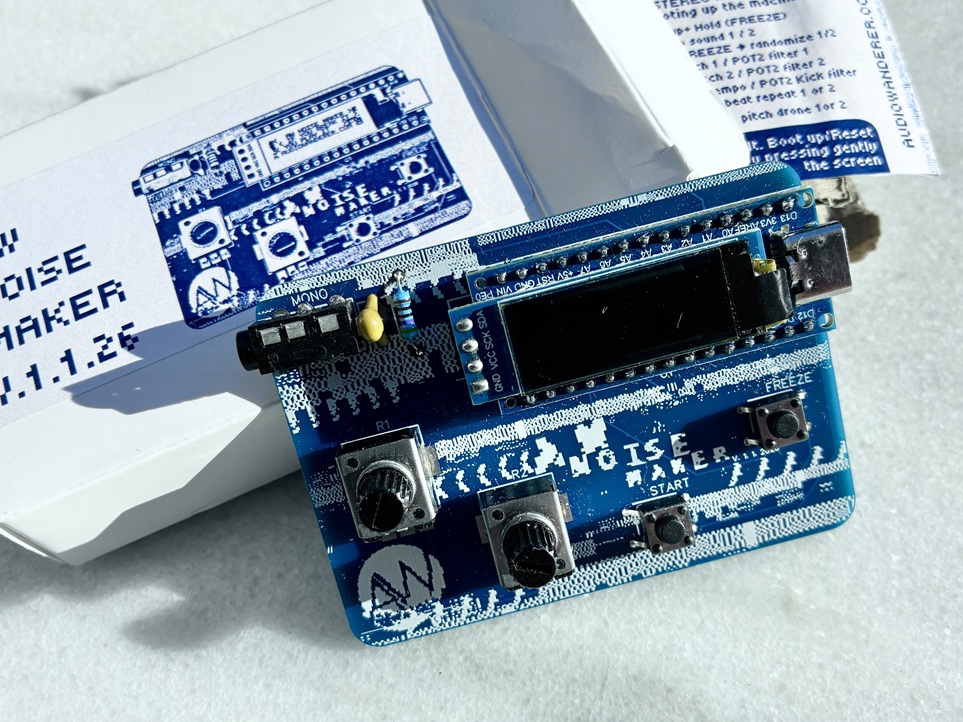
The AW NOISE MAKER unit looks broken, sounds broken and, despite the fiery sound you can get from it, this little guy is fragile. It has lots of naked pins all over the board that make it vulnerable to short circuits that can brick the machine. Never play with it in extremely wet areas (ponds, pools, saunas…) or touch those naked pins with your filthy sweaty hands or put conductive materials over them.
Basic Controls:
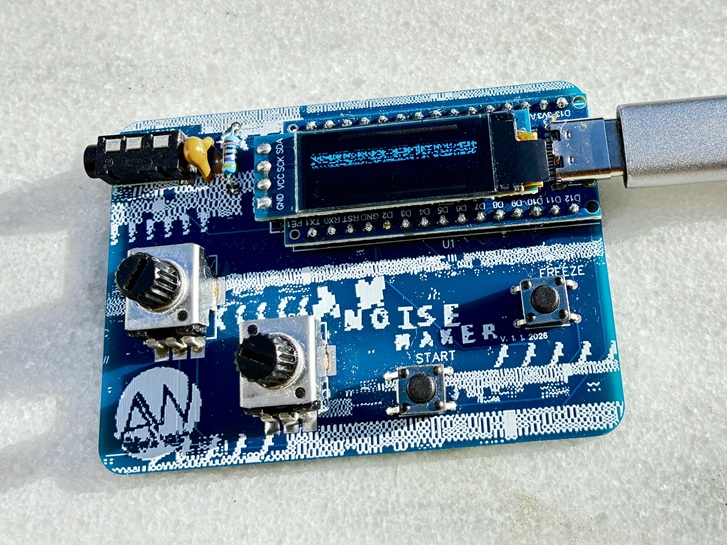
Button 1: Start the chaos, changes between different random waveforms
Button 2: Freeze the noise
Knob 1: Adjust Pitch / filter*
Knob 2: Adjust LFO / filter / Extra FX*
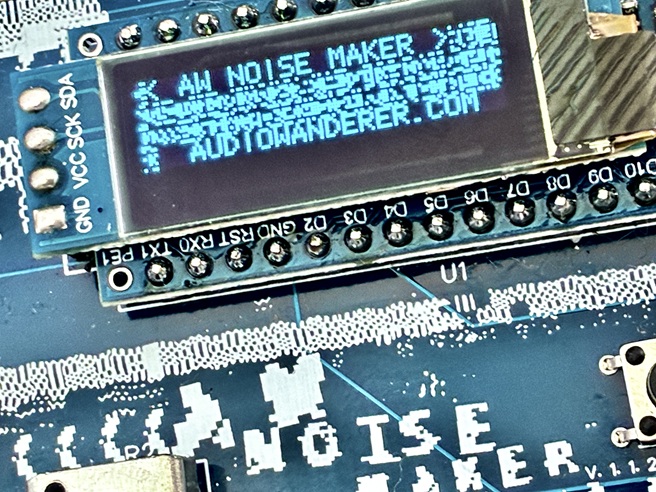
Screen: Reactive glitch display. Press it to reset the machine
*Depending on how the machine boots up, the controls can vary capriciously because the machine has its own agency and doesn’t want to give you any explanation. Deal with it.
Alternative Modes:
You can explore different modes to make noise with the noise maker depending on the way you boot up the machine.
Momentum mode: While booting up, hold (START) button. Then the noise will come only when you press the buttons. It works more or less like the Default mode, but the noise you make is momentary, as life itself.
Rhythm Mode: While booting up, hold (FREEZE) button. Then you will turn the noise maker into a minimal drum machine that plays a kick layered with a short noisy sound, and 2 other sounds (sound 1 & sound 2) whose tempo can be controlled using pot 1 and pot 2 respectively. Other controls to use here:
(START)+(FREEZE)+POT 1: Adjust Kick Tempo
(START)+(FREEZE)+POT 2: Adjust Kick Filter
(START)+POT 1: Adjust Pitch of Sound 1
(START)+POT 2: Adjust Volume of Sound 1
(FREEZE)+POT 1: Adjust Pitch of Sound 2
(FREEZE)+POT 2: Adjust Volume of Sound 2
Drone Mode: While booting up, hold (START)+(FREEZE). Then you will enter Drone mode that turns the machine into a drone player drifting forever. Controls to use here:
POT 1: Adjust Pitch of Drone 1
POT 2: Adjust Pitch of Drone 2
Double-Click (START): Randomize Drone 1
Double-Click (FREEZE): Randomize Drone 2
(START)+POT 1: Adjust the drifting of the drones
(START)+POT 2: Adjust drift range
(FREEZE)+POT 1: Adjust Filter of Drone 1
(FREEZE)+POT 2: Adjust Filter of Drone 2
* Shipping from Spain (Tracking code through correos.es). Customers outside the European Union may or may not have to pay import taxes, customs fees, or handling costs, depending on their country’s customs policies. These costs are unpredictable and are the buyer’s responsibility.
Reviews
There are no reviews yet.