
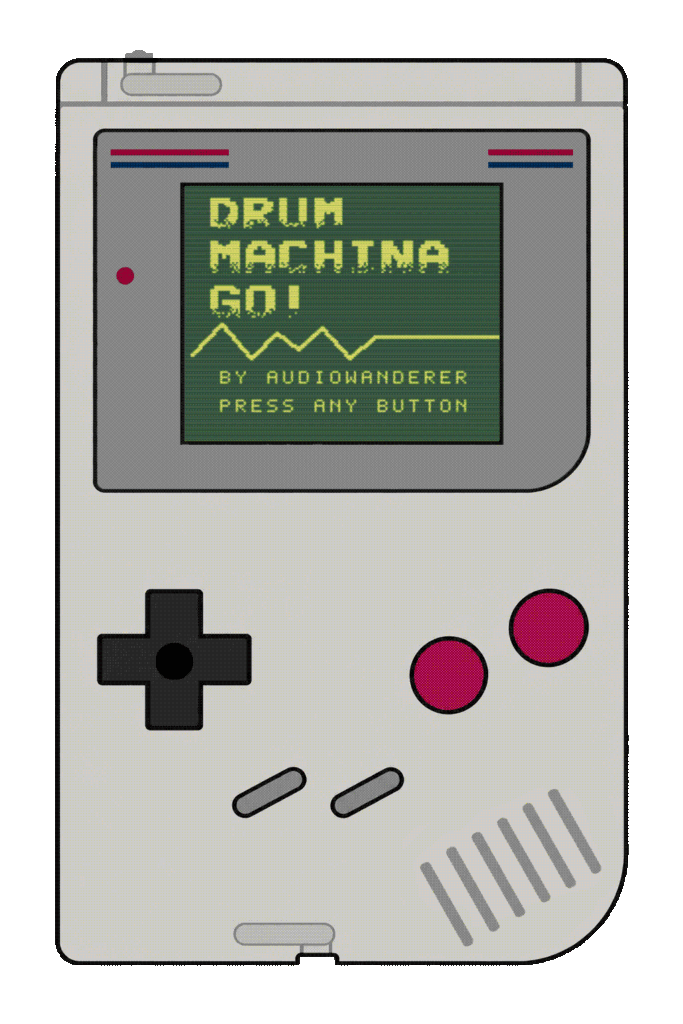
DMGo!
Introduction to DMGo!

A portable, futuristic, complex drum machine designed to run in one of the most beloved Japanese handheld consoles from the late 80s (The Gameboy!). Made to create rhythms, textures, and beautiful 4-bit weird pattern and noises.
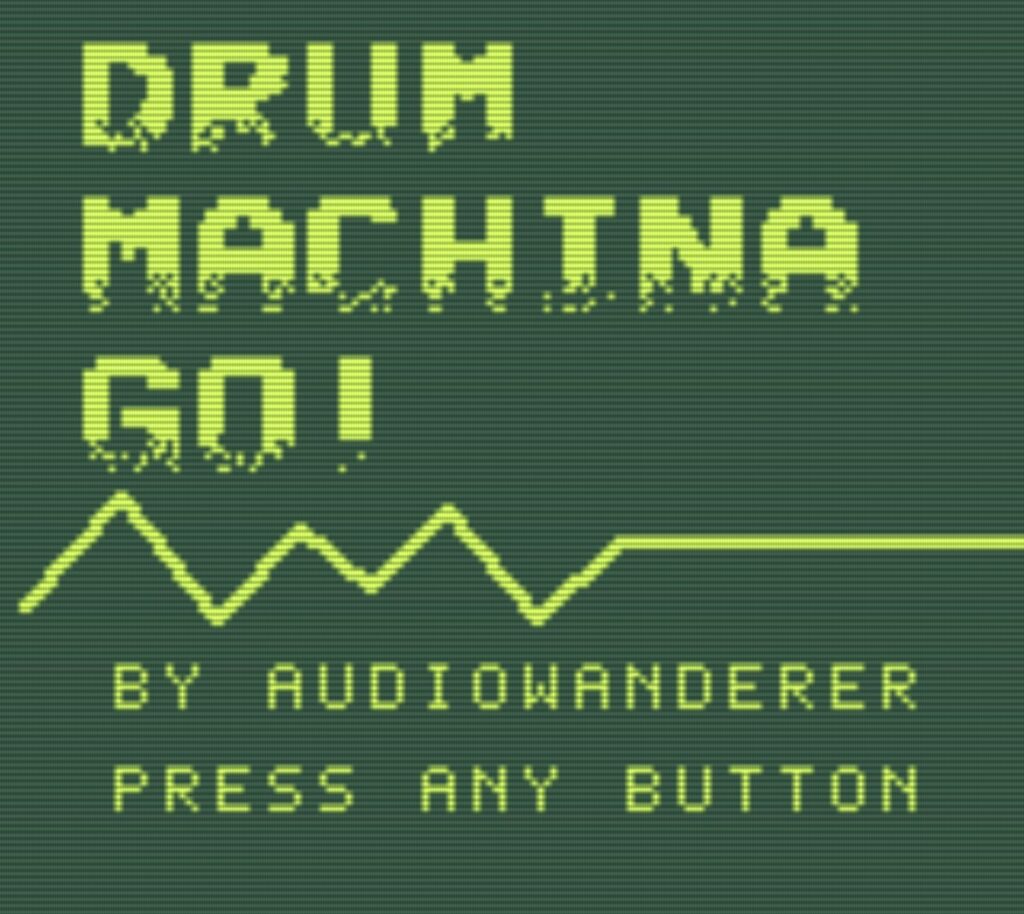
DMGo! features 4 channels, each with a 16-step sequencer, along with a dedicated FX section, ADSR control, filtering options, generative modes, per-step tuning, and pattern chaining with real-time FX (Mangling MODE!). DMGo! can run from its internal clock or be synchronized with other Game Boys via Cable LINK IN/OUT, or with other devices using PULSE OUT sync perfect for Pocket Operators, Volcas, Pikocore, and more.
Basic controls
To navigate through the different pages of the program, press A to access to the top menu, which will take you to the 4 CHANNEL pages, the PATTERNS page, the SAVE and Playing area, and the Setup menu. Use the D-pad to navigate between the different pages, and press A again to confirm. Within each page, use the D-pad to move the cursor between the different areas, and press B+ D-pad to add values or change options. SELECT has different functions depending on the page, in the channel pages, will display a menu to select patterns (PICK A PAT) while on the PATTERN page will activate the MANGLING FX. The button START is always used to play the music from the beginning or to stop the playback.
4 Channels
The Game Boy has a 4-bit audio engine consisting of 2 pulse channels (square waves sort of), 1 waveform channel, and finally, 1 noise channel. DMGo! has a dedicated page for each channel, with a 16-step sequencer for each channel for programming patterns, along with 16 slots for storing your patterns. Each channel has the same controls for shaping your sound and patterns.

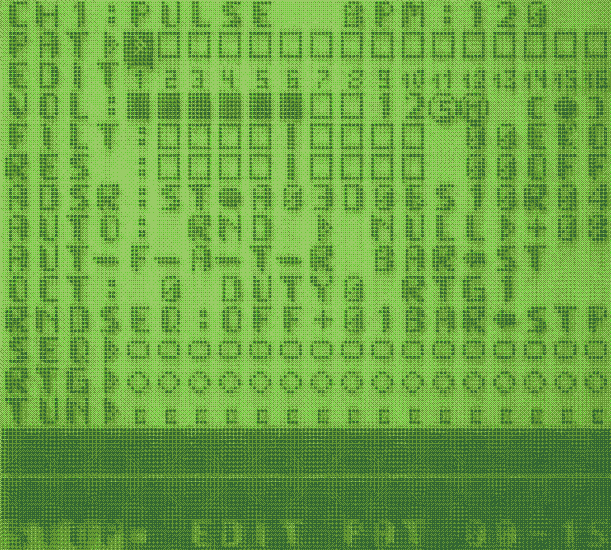
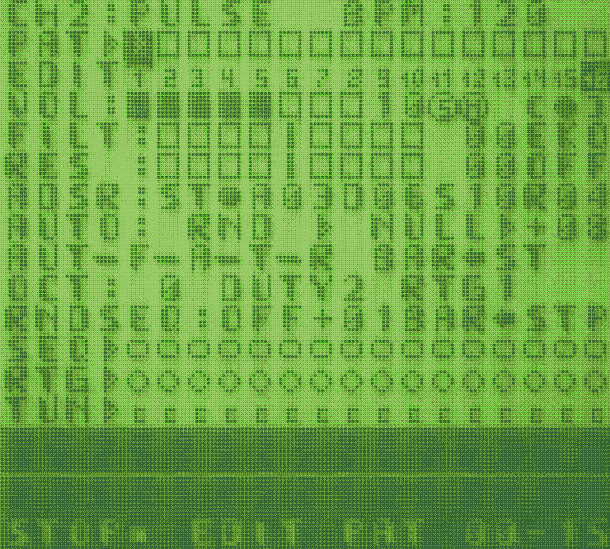
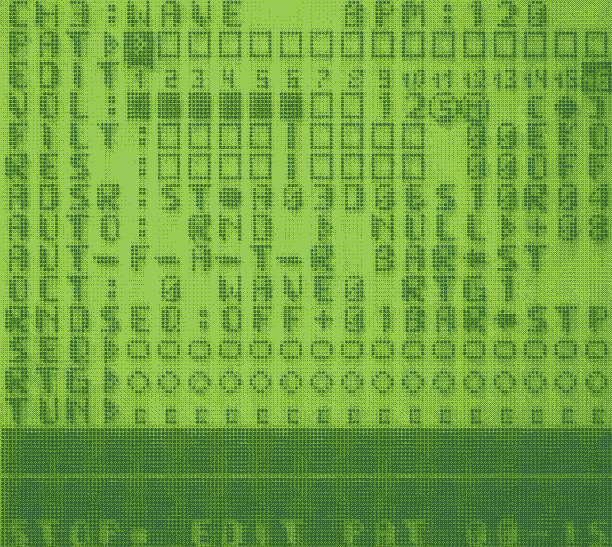
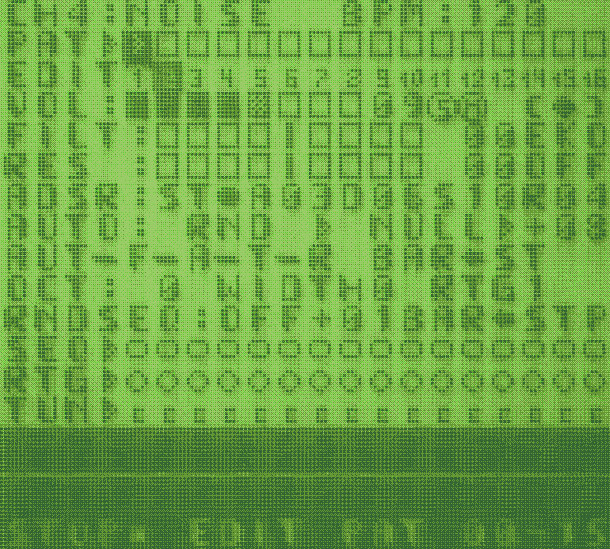
On the Channel page, you can select the pattern you want to work with and control the volume, Solo and Mute functions, and signal panning. You can also tweak the filter and resonance, apply FX and control the ADSR, with two options: Full Step and Checked Step. The AUTO (automatic Controls) can be driven by random values or LFOs, allowing you to change the filter position (F), ADSR values(A), tuning (T) and retriggering (R) on the fly.
Further down, you can change the pitch (OCT), shape the sound, and adjust the retriggering options. At the bottom, you can program the 16-step sequencer, add retrigger commands to any of the 16 steps, and change the tuning of each note on a per-step basis.
FX per Channel
Every channel has 4 FX in the FX section, located below the panning controls. EKO creates a delay effect on the steps. It works especially well when there are only a few steps per bar, leaving enough space for the delay to develop. STU, or the stutter FX, creates a rhythmic cutting effect on the sound. It works particularly well with sustained notes. DST, or distortion, changes the nature of the sound by adding gain and extra texture to the selected channel. And finally, KAO is a chaotic FX that randomly applies any of the previous effects… EKO? STU? DST? SURPRISE!
Patterns
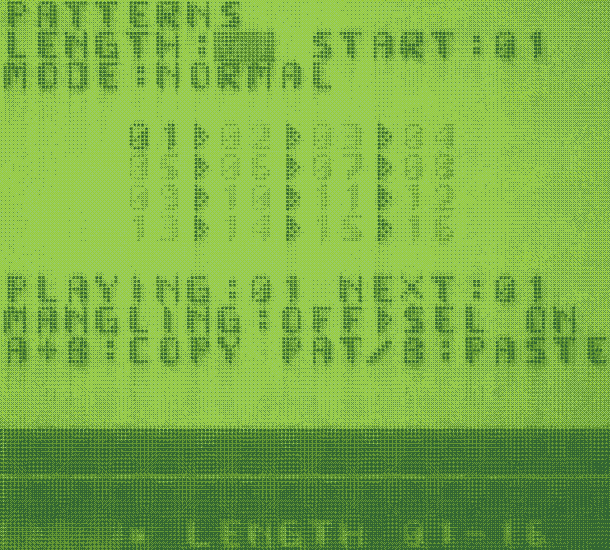
This page manages the patterns stored by the program. You can use this area to organize your sequences, and once the patterns are arranged in order, you can play them back and use Mangling FX to add some chaos and unexpected variations to your patterns in mometary erratic non-destructive frenzy.
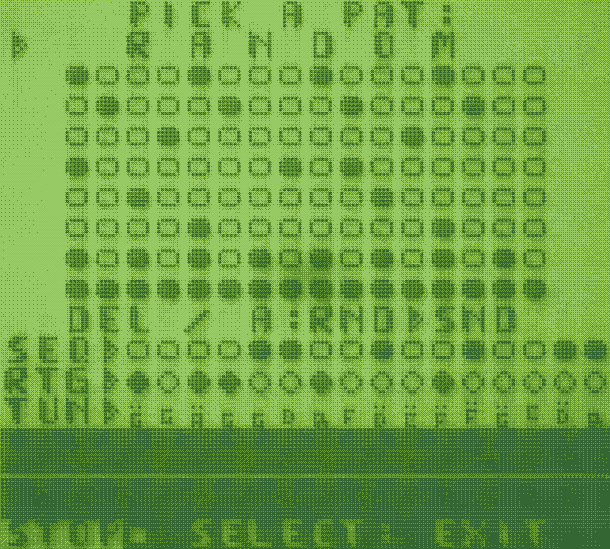
To make pattern creation easier, each Channel page has a “PICK A PAT” menu, accessible via SELECT, which provides a selection of basic sequences to use on that channel. Using RANDOM at the top will generate a random sequence, while pressing A will generate random sound configurations for the selected channel. A crazy way to discover new musical forms!

Mangling FX
While on the PATTERN page, you can enter Mangler mode and play around with your current sequence by pressing SELECT. Once MANGLING FX is activated, you cannot leave the PATTERN page until you press SELECT again to deactivate the mangling operations. MANGLING mode:
- D-pad Up/Down changes the pitch of the sequence.
- D-pad Left/Right freezes small phrases of the playing beat.
- Pressing A makes the looped phrases longer.
- Pressing B shortens the repetition rate.
While in MANGLING mode, the D-pad and A+B buttons are hijacked and no longer control navigation or value inputs and every action you made using these buttons will glitch the screen of the DMGo!
A and B also affect the pitch changes created with D-pad Up/Down, giving you even more control over the mangling.The FX is a non-destructive destruction of the playing sequence: it messes with the playback without altering your original pattern. Once you deactivate MANGLING mode by pressing SELECT again, you are FREE to move around the DMGo! pages, and everything goes back to normal playback.
Save / Load / Play
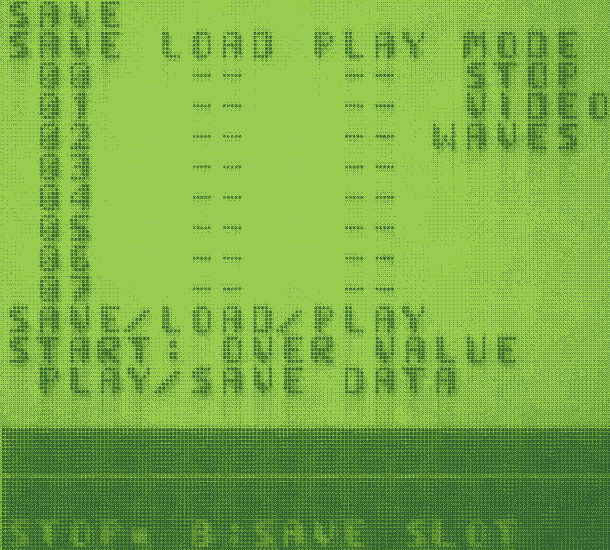
On the SAVE page, you can SAVE, LOAD, and PLAY your patterns. Use the D-pad to navigate through the available slots in the SAVE column, then press B to save the pattern you are currently working on to the selected slot. In the LOAD column, you can recall a previously saved pattern by pressing B. In the PLAY column, you have different options for building a song structure using the available patterns. You can also visualize the playlist with waveforms or glitches… COOL!
Setup
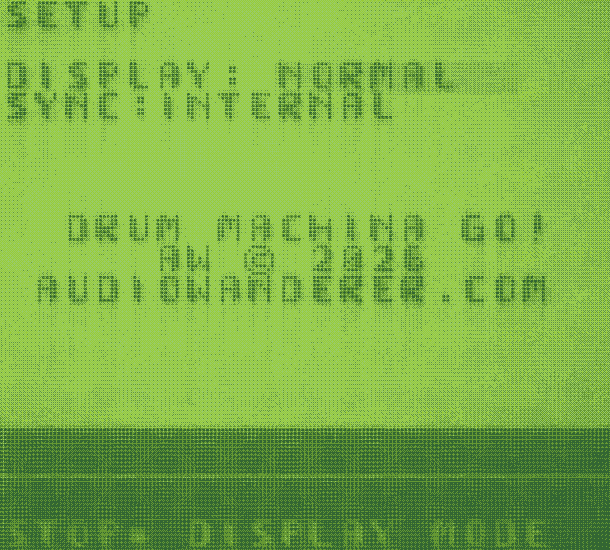
In DISPLAY you can change the way you see the program from Normal to Inverted to other typefaces, while the SYNC option will help you to link the DMGo! with other devices. To link with other Gameboys use the LINK OUT/IN option. To connect to other devices like pocket operators (SY02), Volca gear or other machines that use pulses to sync in (pikocore, etc) select PULSE OUT .
Chill with your music
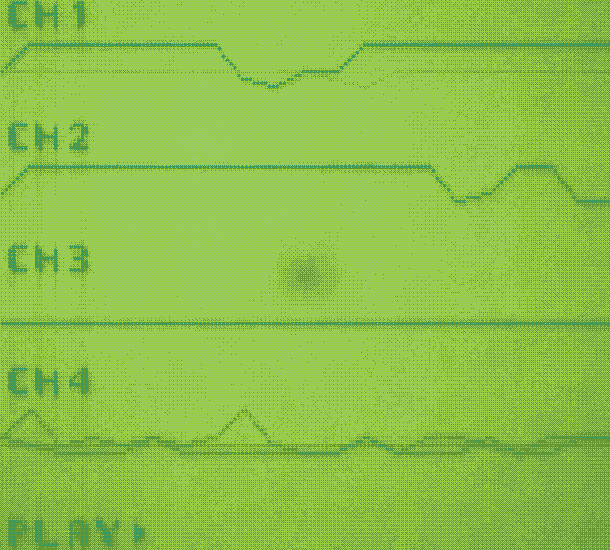
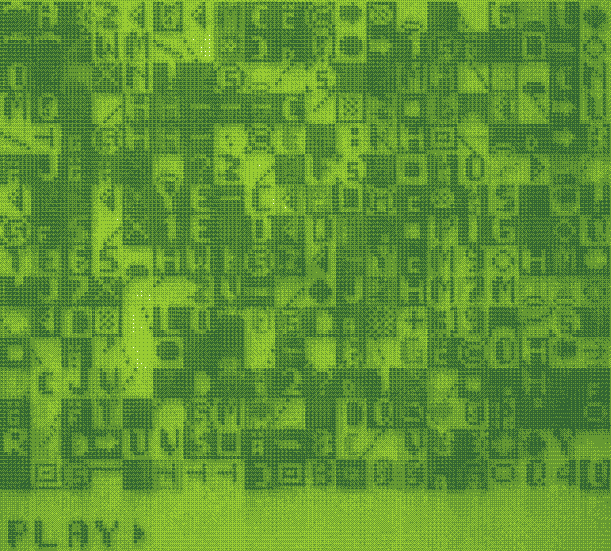
Once you are happy with your patterns, go to the SAVE page. In the PLAY column, arrange your saved patterns in the order you want, then press START. This is DMGo!’s kind of SONG mode. Once your arrangement is ready, press START to play it back and enjoy a real-time visualization of your music, with 4 WAVEFORMS representing each channel. Alternatively, switch the video mode to GLITCH and get ready for some retro, glitchy, frenetic chaos.
It’s up to you how you want to see your music…

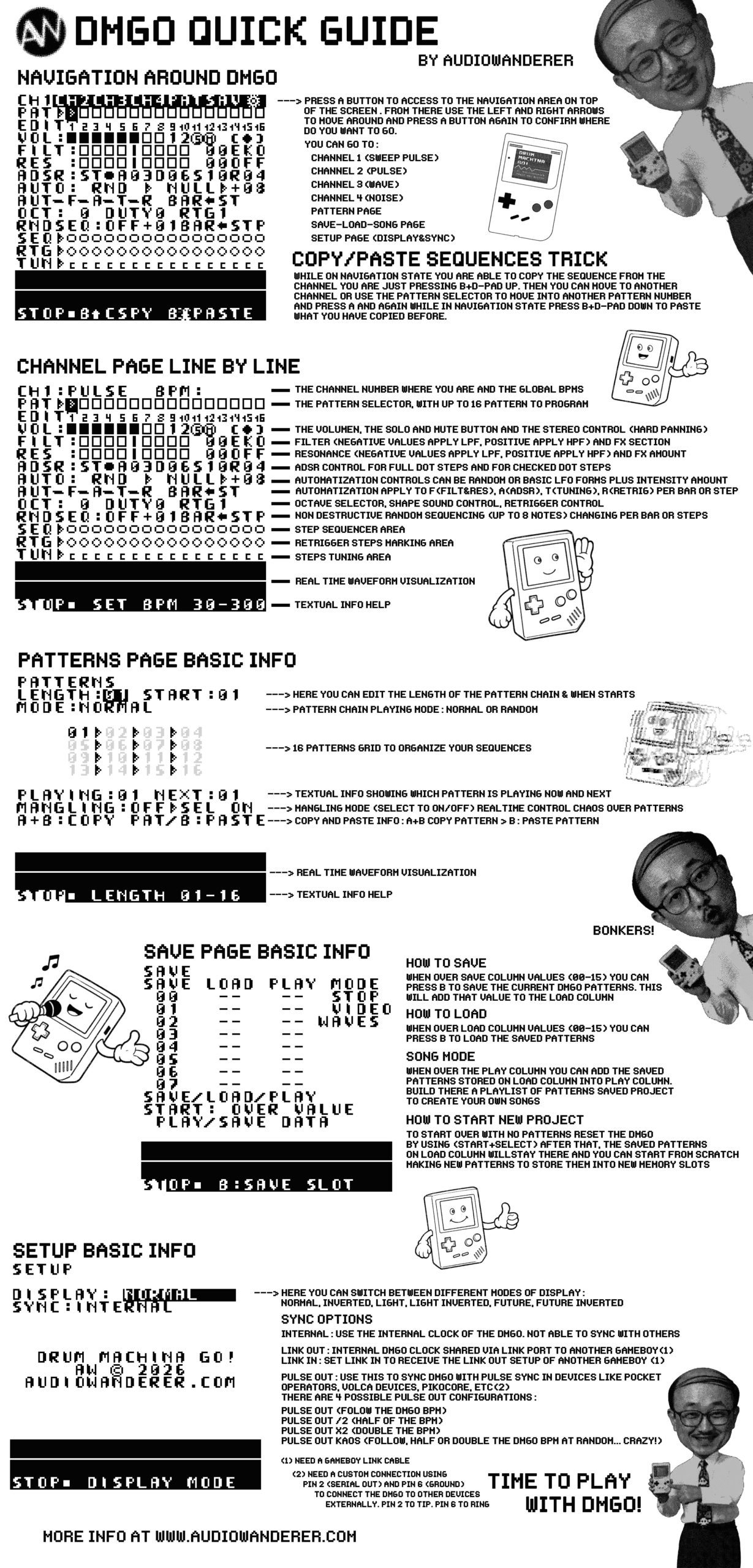
That’s all for now. For a more detailed description of how to make music with DMGo! check the DMGo! Quick guide:
Or check the release video of the Drum Machina Go!
DMGo! is available for all the good people who enjoy making music, love retro gaming machines and condemn fascism, racism, sex discrimination and abuse, criminal wealth accumulation and all acts of violence, genocide and war… and want a FREE Palestine! In brief, a better world guided by PEACE, EQUALITY, LOVE, RESPONSIBILITY, DIGNITY, JUSTICE and FREEDOM.
If you are one of those human beings, you can download the latest version of DMGo! for FREE here:
Of course, if you feel the urge to reward the creator of Drum Machina Go! with your spare change, you can use the button below to make a donation:
Please, whatever you do with DMGo! let me know tagging me on your post and videos and use the hashtag #DMGo I want to see what all the people make with this little program. You have also a Reddit ready to be used to post there your DMGo! Jams: